

Canton Becker

Jump to content.

canton@gmail.com
65 Cibola Circle
Santa Fe, NM 87505
T: (505) 501-8091

Testimonial

Client Photo

"I had the most wonderful experience working with Canton. He made designing my website fun and very easy. From our very first meeting, the entire process was quick, and understandable. During our work together, he taught me how to manage my website on my own which is so important for my small business.

Canton is such a great mix of many different qualities; he's very technical, a great designer, easy to talk with and a wonderful teacher of his craft. I highly recommend his expertise to anyone!"

- Shannon Plummer, DOM
Beauty Through Balance

More testimonials

Website redesign for MMD France: MindManager experts

This project involved redeploying an extensive static HTML site as a WordPress site with a brand new look and feel. MMD France is made up of a team of experts in MindManager, software used for “Mind Mapping” ideas.

www.mmdfrance.fr

To distinguish MMD from its competition, the goals for this redesign included:

  • Becoming content-driven: Focusing attention on MMD’s 10 years of expertise by deploying a blog made up of tutorial videos, tips, and free “maps” for download
  • Making the human connection: Demonstrating that MMD is operated by real and approachable people with unequaled experience in their field.
  • Simplifying content management: Using WordPress, MMD can easily update nearly 100% of their website content using a web browser. Adding new training videos or products takes minutes.


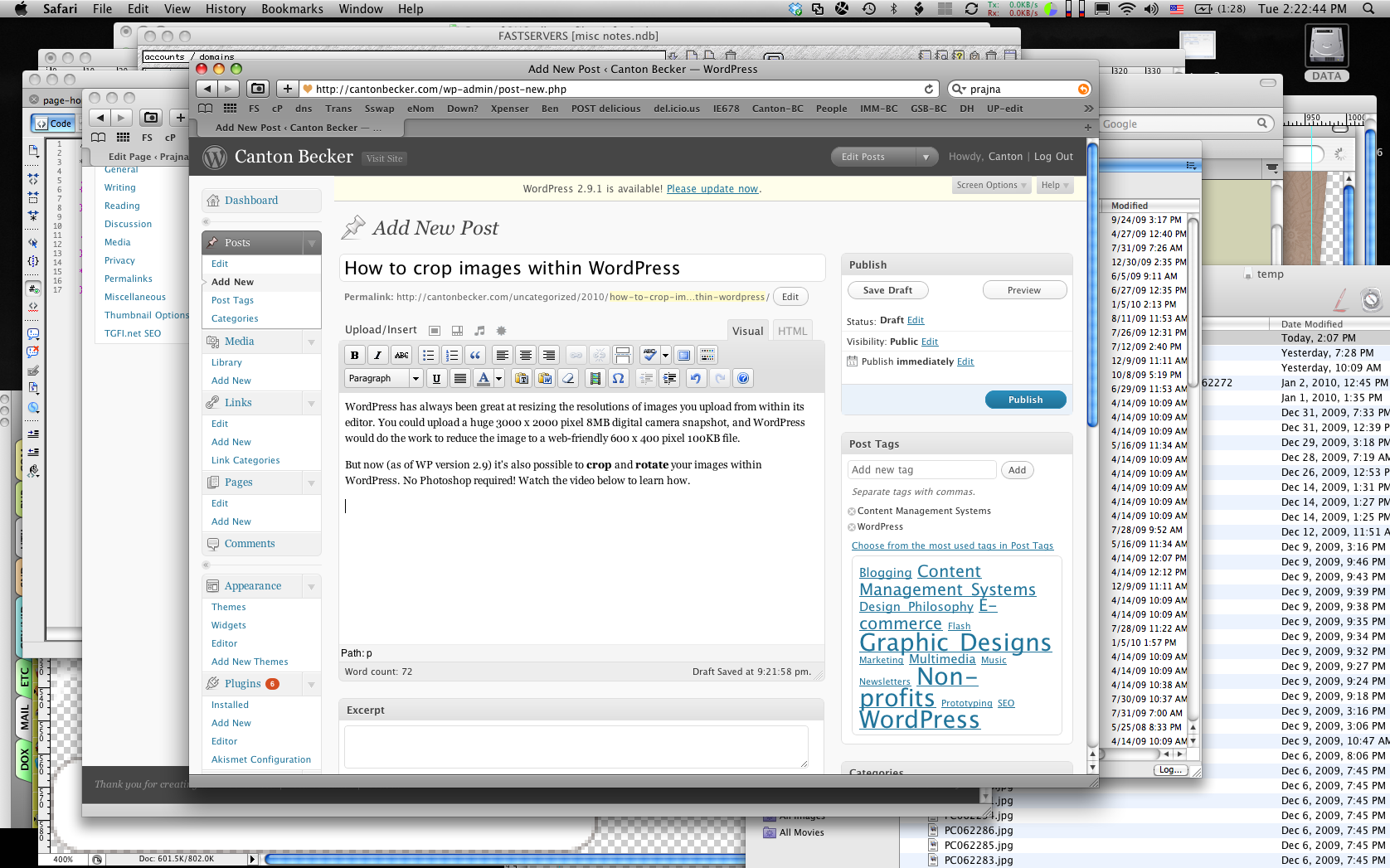
Tutorial: How to crop images within WordPress

WordPress is great for resizing the resolution and file size of images you upload using its editor. If you upload a huge 3000 x 2000 pixel 8MB digital camera snapshot, WordPress will do the work to reduce the image to a web-friendly 600 x 400 pixel 100KB file.

And now (as of WP version 2.9) it’s also possible to crop and rotate your images from within WordPress. No Photoshop required! Watch this video to learn how.

Click above to see how to use the WordPress "Edit Image" function